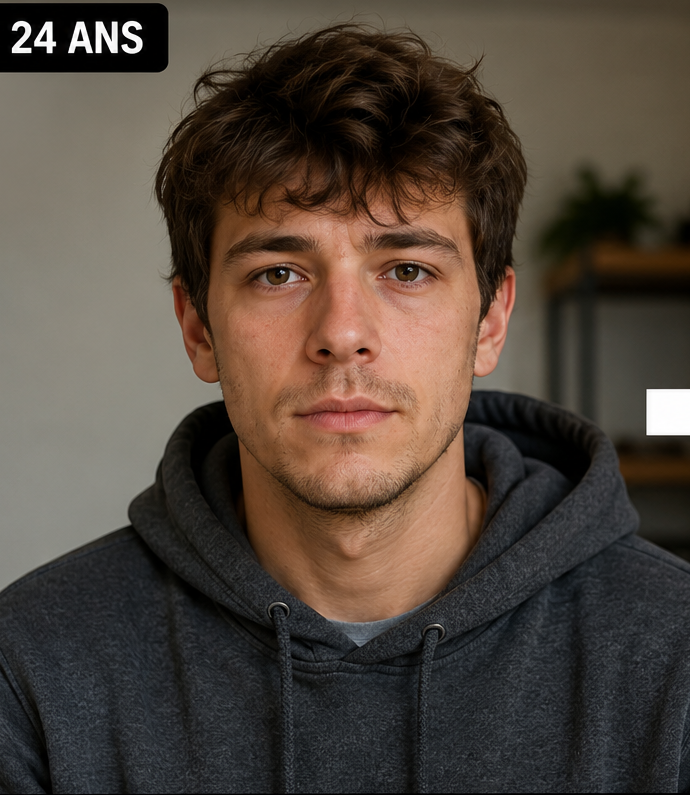
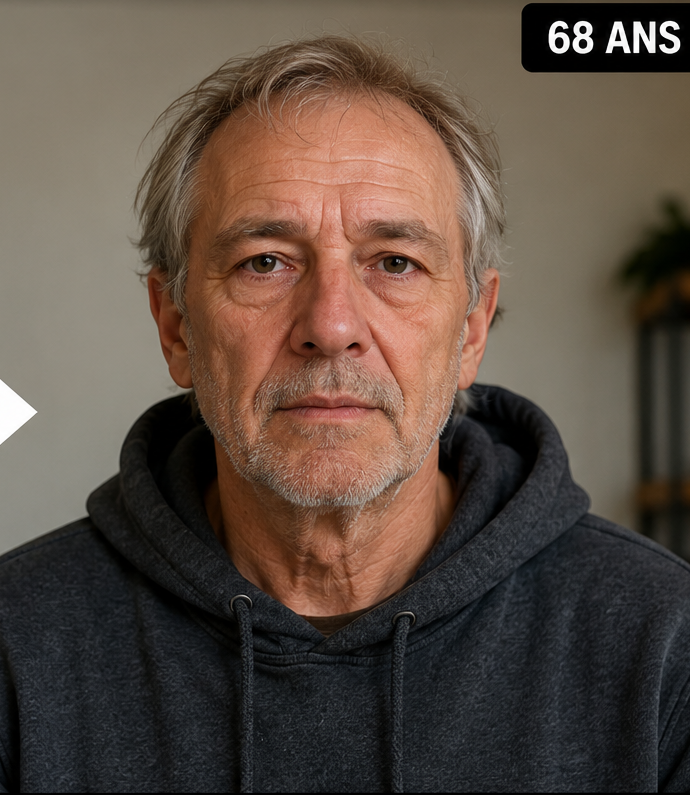
How to generate an age-90 face preview
Use a clear source portrait, open the free demo, choose age 90, and generate the first preview. The demo is limited to one watermarked result without an account. For more generations or a sequence of ages, continue in the full Web App.
If age 90 is your main target, it is still useful to generate an intermediate age such as 60 or 80. That gives you another frame for checking whether the transformation changes gradually or jumps into a different identity.
1
Start with a strong source
Sharp face, balanced light, minimal obstruction.
2
Choose 90
Use a precise target instead of a generic old-age instruction.
3
Check the path, not only the endpoint
Compare with age 60 or 80 when possible.
Why age 90 is a harder generative task
A long age gap leaves more room for the model to reinterpret skin, hair, facial volume and other appearance cues. That can produce an impressive image, but realism alone is not enough. A photorealistic ninety-year-old who no longer resembles the source person is a weak age-progression result.
Treat strong age-90 changes as creative extrapolation. There is no information in one portrait that can reveal future health, lifestyle, environment or the many other factors that influence real appearance over decades.
Identity cues to inspect at a very old target age
Begin with the eyes because changes there are noticed quickly. Then compare nose shape, mouth width, chin position, jaw proportions and distinctive asymmetries. Hair colour or density can change substantially without destroying identity, while a different eye spacing or lower-face geometry often makes the result feel like someone else.
Do not expect exact symmetry between the source and result. Aging simulation may alter soft-tissue appearance. The goal is recognizable continuity, not a pixel-for-pixel match.
Use a progression instead of one extreme image
A sequence such as today → 60 → 80 → 90 gives context to the final image. If the age-90 portrait feels unexpected, you can see where the identity began to drift. This is more useful than repeatedly generating age 90 without a reference path.
For creative storytelling, the sequence is also stronger because it turns one transformation into a visual timeline rather than a single novelty effect.
How to avoid overclaiming an AI future face
An age-90 image can look emotionally powerful, especially when it resembles older relatives, but resemblance should not be confused with prediction. Use wording such as “AI age progression,” “future-face simulation” or “AI-generated age-90 portrait.”
Avoid presenting the result as certain, medically informed or biologically precise. The honest framing is also more useful to viewers because it tells them what the technology actually produced.
Questions people ask about this AI age preview
Can Face Aging Studio generate age 90?
Yes. You can select age 90 directly; target ages are supported up to 100.
Why can age 90 look less like me than age 60?
A larger transformation requires more generated change, which can increase identity drift.
Should I generate intermediate ages too?
Yes, if you want to judge consistency. Age 60 and 80 provide useful checkpoints before 90.
Can the AI know how I will really look at 90?
No. The output is a visual simulation and cannot account for future biological or lifestyle factors.
Can I try it without creating an account?
Yes. The free demo provides one limited watermarked preview without an account.