See your future face in seconds.
Try Face Aging Studio free, use the full web app in your browser, or download the Windows app.
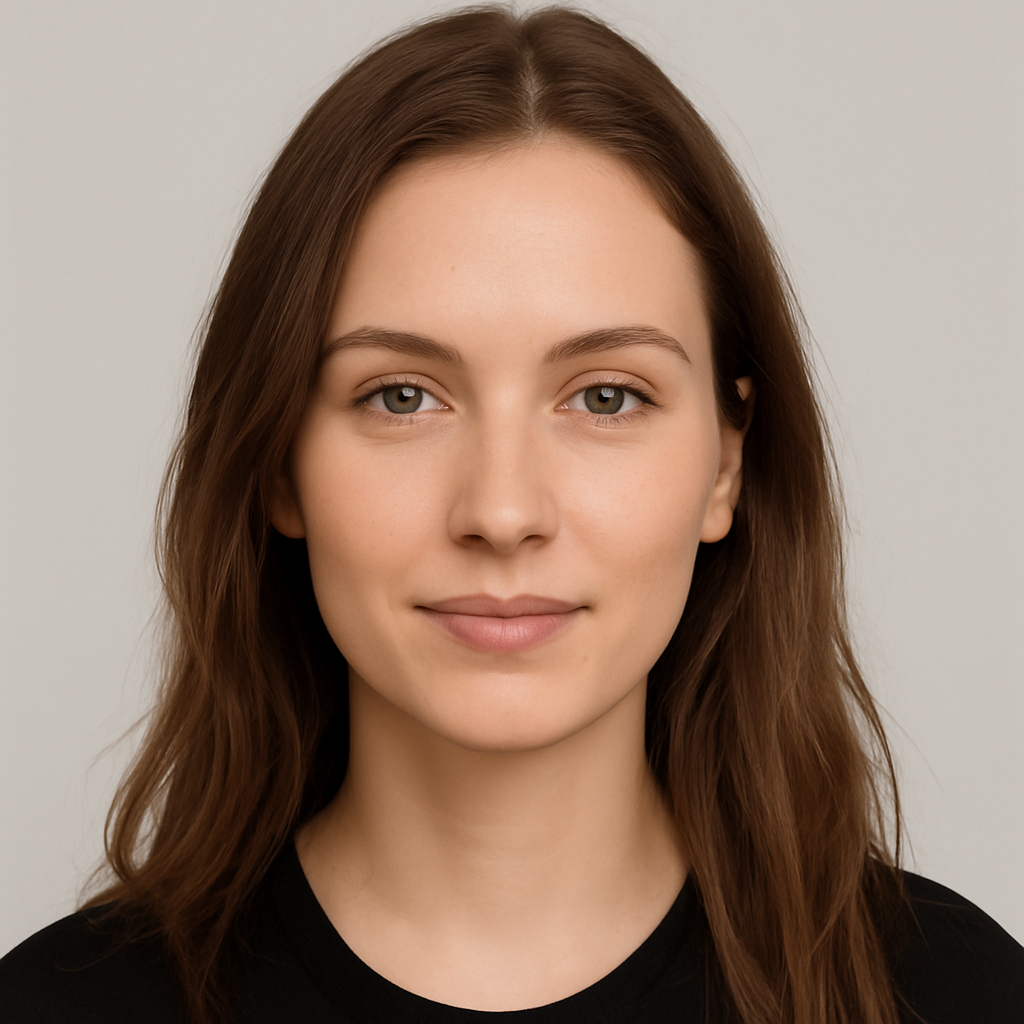 Original
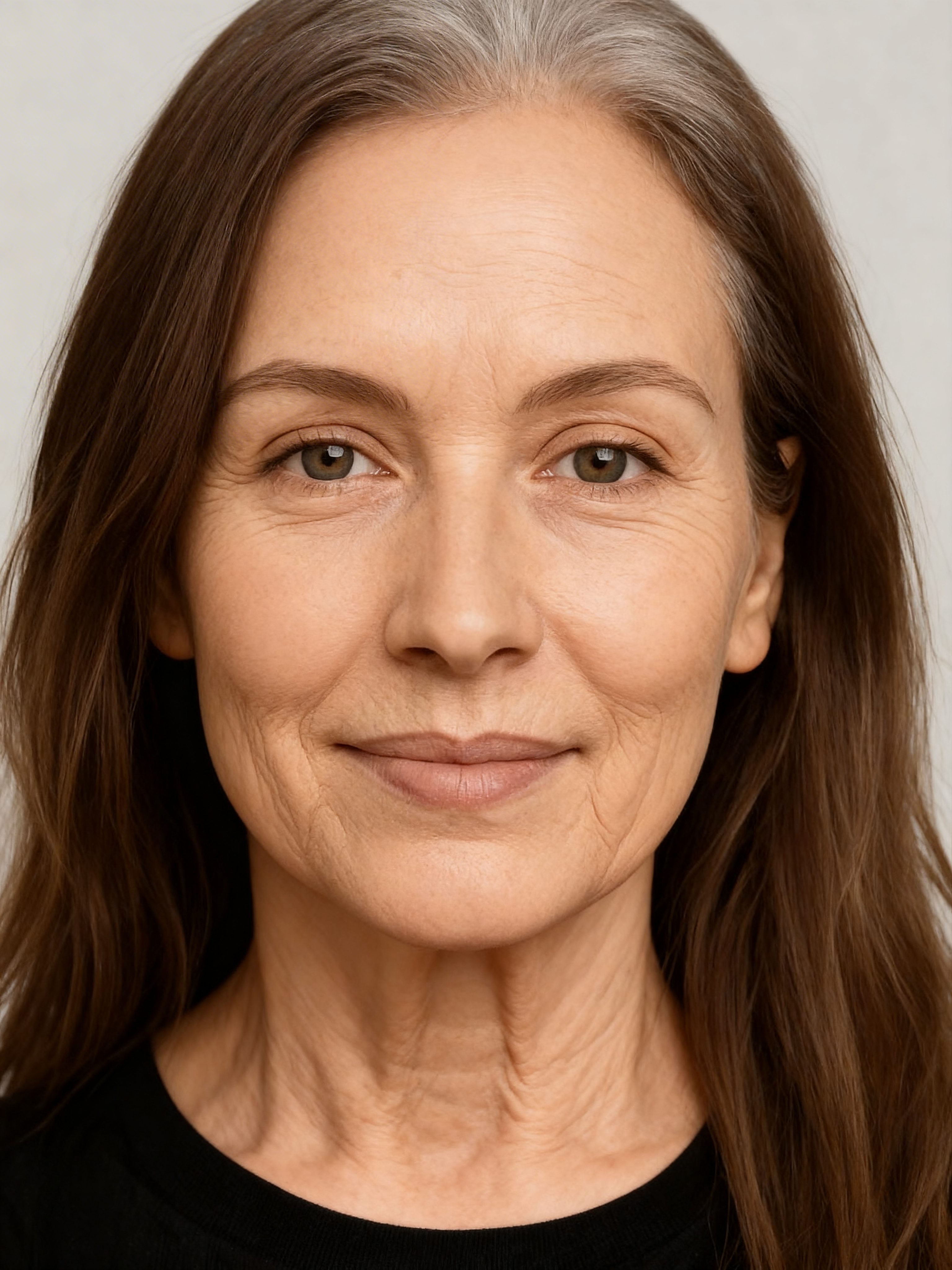
Create realistic aging photos from one portrait.
Face Aging Studio helps you explore your future self, create emotional before/after images, and generate social-ready aging photos on the web or with the Windows app.
Fast results
Upload a clear face photo, choose the age you want, and generate future portraits in a smooth web or Windows workflow.
Realistic aging effect
AI focuses on aging details such as skin texture, wrinkles, mature facial features, and a natural future look.
Pay only for credits
Buy credits when you need them. No subscription. One generated image equals one credit.
From photo to future face in four steps.
Upload
Select a clear portrait from your device.
Choose ages
Choose a target age and create realistic age progression images up to 100.
Generate
The AI generates a future face image based on your photo.
Save
Download your results and share them anywhere.
Simple credit packs. No monthly commitment.
Start small or create full age progression timelines. One image generation uses one credit.
Starter
- Perfect for trying the app
- 30 AI aging images
- Secure Stripe checkout
Creator
- Best value for age progression timelines
- 100 AI aging images
- Great for TikTok, Reels and Shorts content
Premium
- For heavy use and batches
- 300 AI aging images
- Lowest cost per image
Built for paid access, not free abuse.
Face Aging Studio uses login, credits, and Stripe payments so every generation is controlled and trackable.
Account login
Users access the app with a personal account and credit balance.
Credit tracking
Each generated image is counted and deducted from the user’s credits.
Stripe checkout
Payments are processed securely through Stripe.
Ready to see your future face?
Start with the free demo, open the full web app, or download Face Aging Studio for Windows.
Clear, secure and transparent.
Face Aging Studio offers web and Windows access with credit-based use, secure payments, and clear information before you start.
About Face Aging Studio
Face Aging Studio is an independent AI photo app created to help users visualize realistic age progression from their own portrait.
Privacy and photos
Uploaded photos are used to generate your aging result. We do not sell personal data, and payments are processed securely by Stripe.
Terms and refunds
The app uses prepaid credits. AI results may vary, and the service is intended for entertainment and creative purposes.
Questions before starting?
Is Face Aging Studio free?
You can try one free demo preview. The full web and Windows versions use credits, with no subscription required.
How many credits does one generation use?
One generated image equals one credit. If you generate 25 images, it uses 25 credits.
Do I need a subscription?
No. You can buy credit packs when you need them. There is no monthly subscription.
Is payment secure?
Yes. Payments are handled securely by Stripe.
Does Face Aging Studio work on Windows?
Yes. Face Aging Studio is available as a Windows desktop app and as a full web app in your browser.
Can I choose ages like 70, 80 or 100?
Yes. You can choose a target age and generate a realistic future face image up to 100 years old.